

DémarrerFournir les clés d'API
Fournir les clés d'API
Obtenez les clés d'API pour accéder aux services de traduction sélectionnés :
- ChatGPT (compte OpenAI)
- Claude (compte Anthropic)
- DeepSeek (compte DeepSeek)
- Gemini (Google AI Studio)
- Mistral AI (compte Mistral AI)
- OpenRouter (compte OpenRouter)
- LLM auto-hébergé (si vous utilisez un service cloud, par ex. : via Ollama)
- Google Translate (Google Cloud Platform)
- DeepL (compte DeepL)
Ensuite, fournissez la ou les clé(s) d'API, sous Gato AI Translations for Polylang > Settings > API Keys.
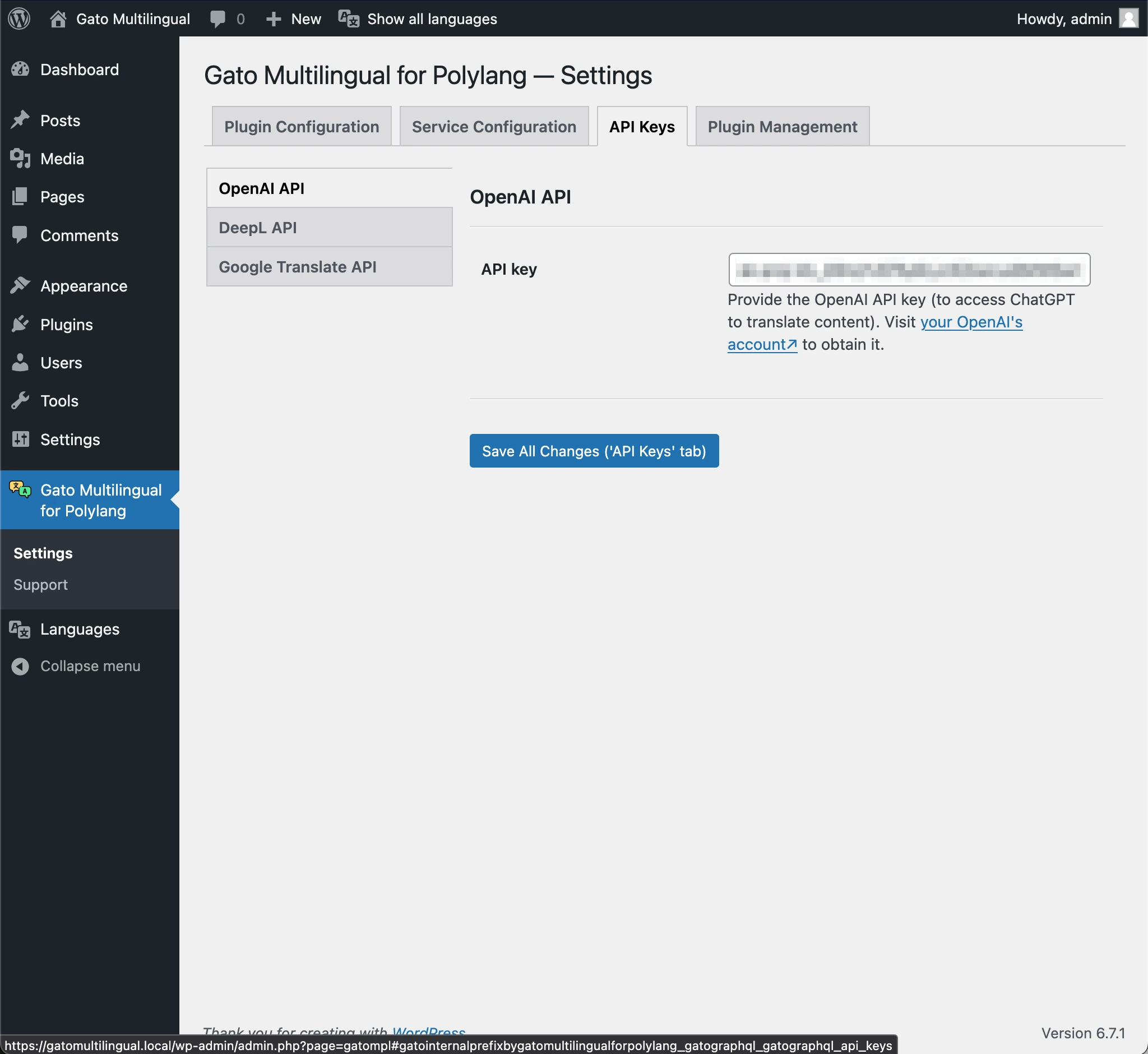
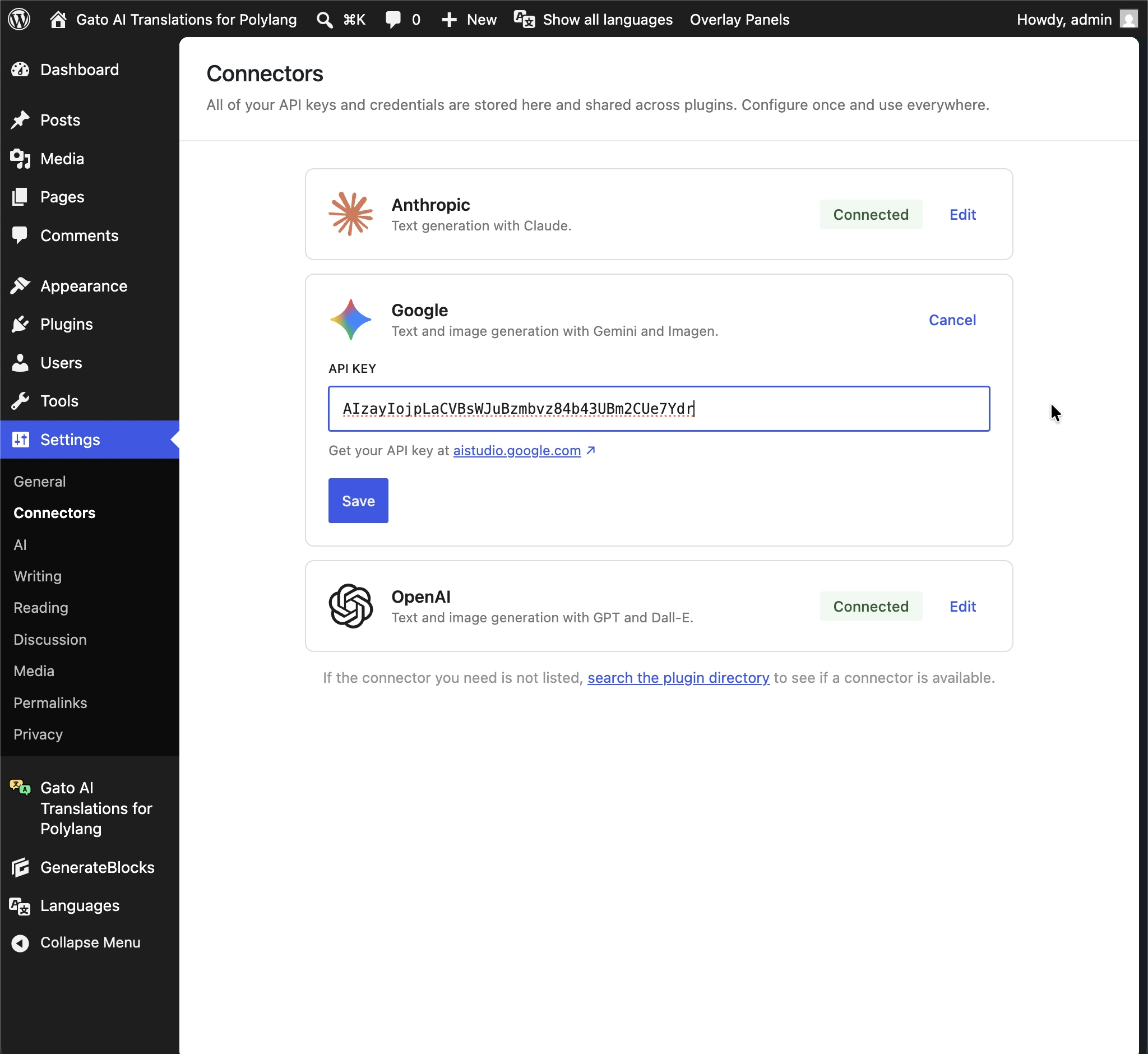
Sous WordPress 7.0+, si les champs de réglages du plugin pour OpenAI, Anthropic et Gemini sont vides, les clés d'API sont récupérées depuis WordPress AI Connectors, sous Settings > Connectors.
Dans wp-config.php
Vous pouvez également définir la ou les clé(s) d'API via les constantes correspondantes dans wp-config.php :
ChatGPT
define( 'GATOMPL_CHATGPT_TRANSLATION_SERVICES_OPENAI_API_KEY', '{your API key}' );Claude
define( 'GATOMPL_CLAUDE_TRANSLATION_SERVICES_ANTHROPIC_API_KEY', '{your API key}' );DeepSeek
define( 'GATOMPL_DEEPSEEK_TRANSLATION_SERVICES_DEEPSEEK_API_KEY', '{your API key}' );Gemini
define( 'GATOMPL_GEMINI_TRANSLATION_SERVICES_GOOGLE_API_KEY', '{your API key}' );Mistral AI
define( 'GATOMPL_MISTRALAI_TRANSLATION_SERVICES_MISTRALAI_API_KEY', '{your API key}' );OpenRouter
define( 'GATOMPL_OPENROUTER_SERVICES_OPENROUTER_API_KEY', '{your API key}' );Self-hosted LLM
define( 'GATOMPL_SELF_HOSTED_LLM_TRANSLATION_SERVICES_API_KEY', '{your API key}' );Google Translate
define( 'GATOMPL_GOOGLE_TRANSLATE_API_KEY', '{your API key}' );DeepL
define( 'GATOMPL_DEEPL_PLAN', 'pro' ); // or 'free'
define( 'GATOMPL_DEEPL_API_KEY', '{your API key}' );